0o棒棒糖o0 (0 评审) diy 分享 https://www.fpschina.com/blogs/entry/1187-0o%E6%A3%92%E6%A3%92%E7%B3%96o0/ Share on LinkedIn Share on X Share on Facebook {lang="reddit_text" Share via email Share on Pinterest More sharing options... 关注者 很早就开了这晒图区了 一直没什么作品拿出来晒晒 这几天尝试了下做棒棒糖~~ 这个是第一个棒棒糖,做的不好,自己用了~~哈哈~~ 这个是给小E做的~~他跟他女朋友是一对的~~颜色是应他的要求做的~~哈哈~~ 好喜欢棒棒糖哈~~挂起来一定很可爱~~ 可是偶老公说太女孩子了~~说什么也8肯挂在他手机上~~ 忽忽~~
枫叶雾渺 中级会员 2008年3月29日 06:202008年3月29日 Author stats 小E的1对棒棒糖~~简单的包装了下,那个透明盒子其实是巧克力盒(被我吃空了) 外面再包下包装纸,送人应该还是满不错的吧~~西西~~






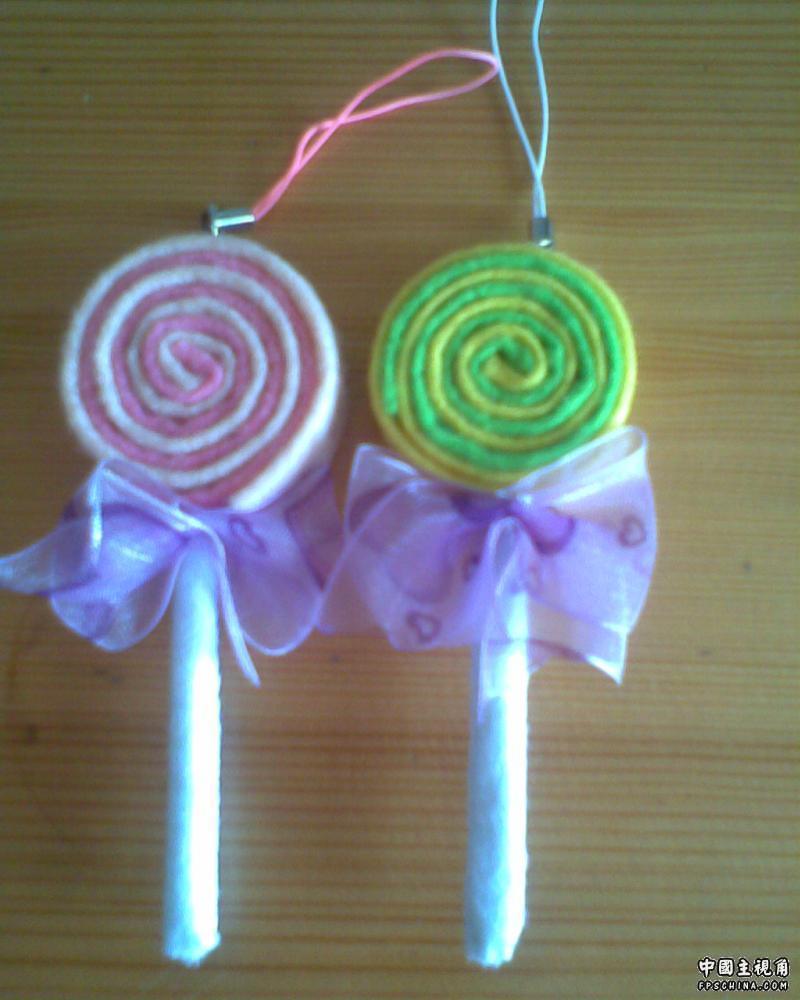
 好喜欢棒棒糖哈~~挂起来一定很可爱~~
Recommended Comments