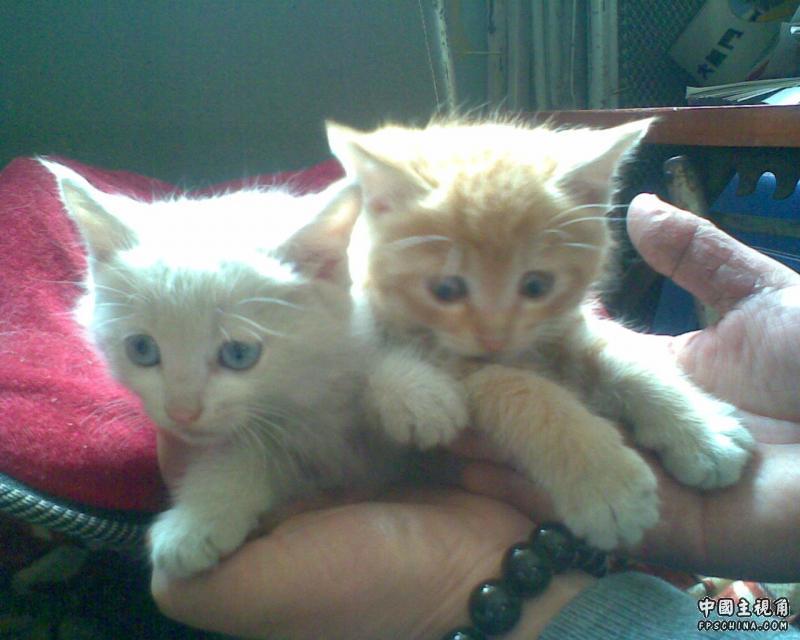
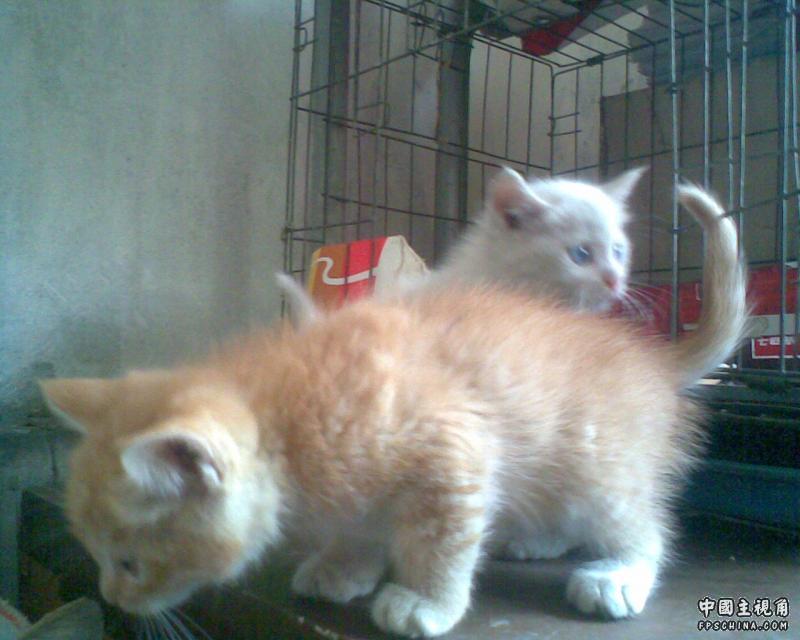
小♂猫♀猫☆ (0 评审) fe 分享 https://www.fpschina.com/blogs/entry/1212-%E5%B0%8F%E2%99%82%E7%8C%AB%E2%99%80%E7%8C%AB%E2%98%86/ Share on LinkedIn Share on X Share on Facebook {lang="reddit_text" Share via email Share on Pinterest More sharing options... 关注者 我家的小家伙,毛茸茸的很可爱~~ 2个小家伙很淘气的~~ 哪都要爬过来~~~ 2个宝贝太8听话了... 抓拍好难哦~~ 忽忽~~~ 有待更新~~
wodeie 初级会员 2008年4月8日 16:452008年4月8日 Author stats 我也有一个我叫他STALKER 我博客 http://blog.sina.com.cn/dajiadoulaizhao 有时间我也要让我的STALKER亮个相哈哈





Recommended Comments