




由 Rorschach 发表的博客文章
· 557 查看
出门万事难
今天刚刚到家~~
累坏了
晚上还是睡不着
发点东西上来
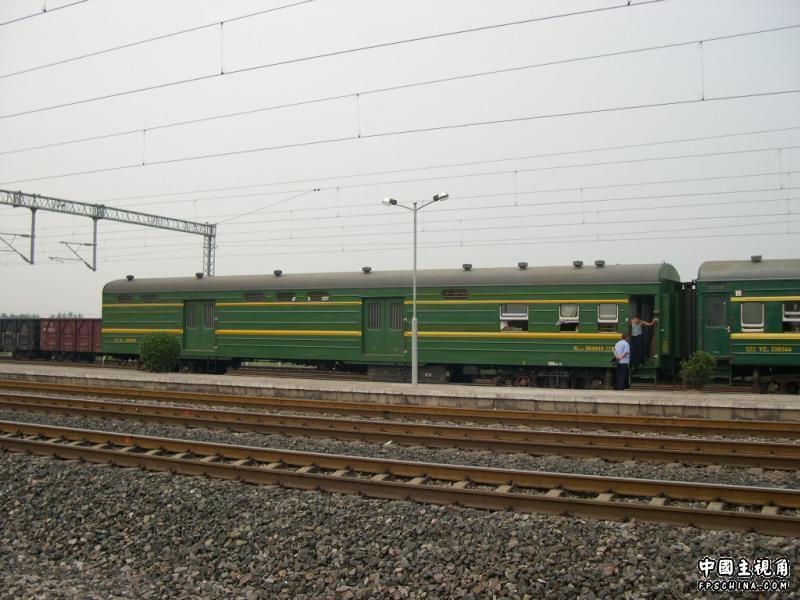
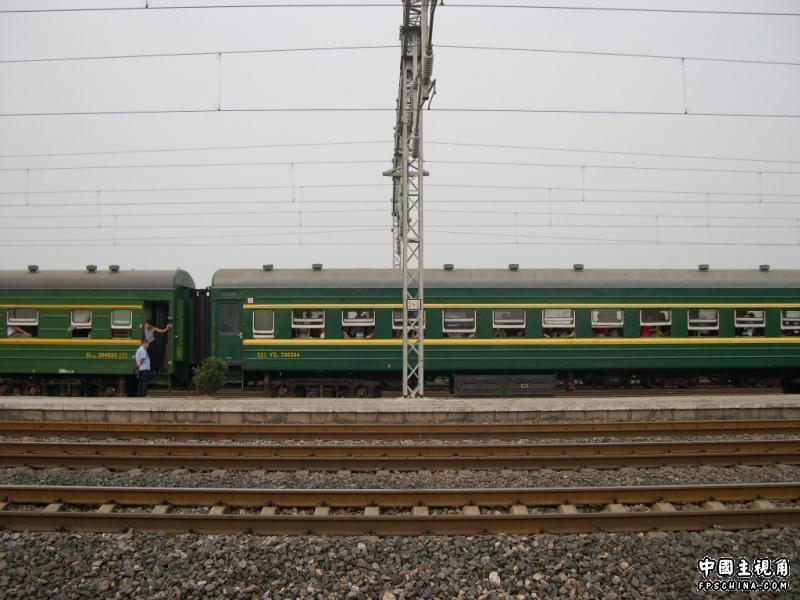
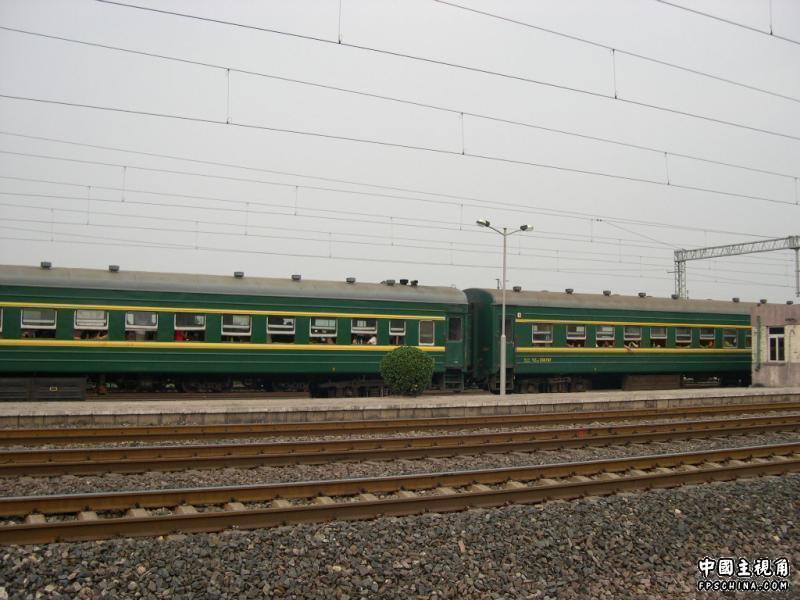
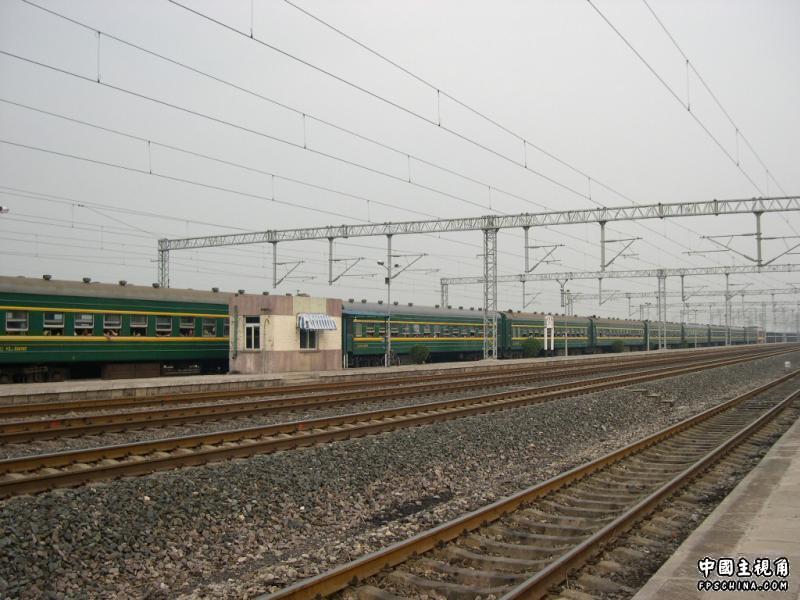
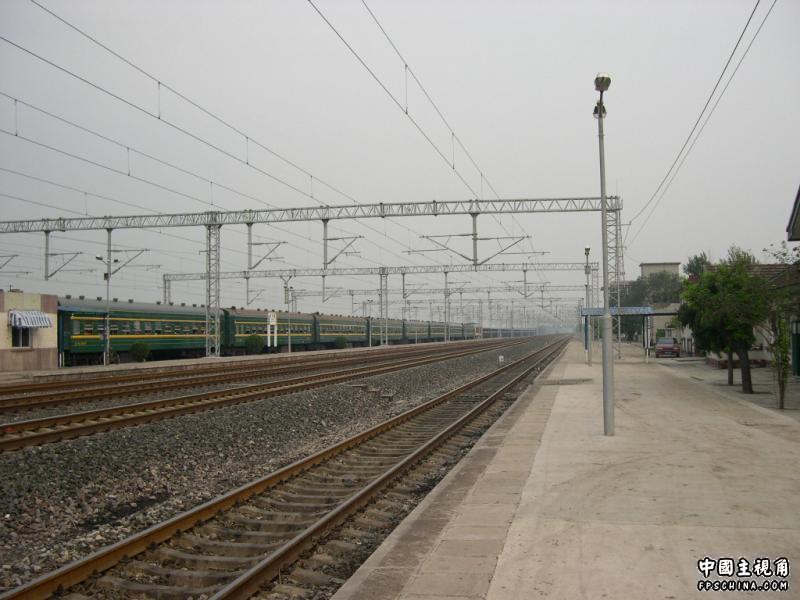
拍了几张火车的图~~~
拼起来看看
结果怎么拼怎么不是味~~
郁闷
先竖着放一张

横着的到这里来看
http://photo.163.com/photos/911pm/60812533/1836092708/
http://photo.163.com/photos/911pm/60812533/1836093893/
合成的不太好……
A better way to browse. Learn more.
A full-screen app on your home screen with push notifications, badges and more.
由 Rorschach 发表的博客文章
· 557 查看
出门万事难
今天刚刚到家~~
累坏了
晚上还是睡不着
发点东西上来
拍了几张火车的图~~~
拼起来看看
结果怎么拼怎么不是味~~
郁闷
先竖着放一张
横着的到这里来看
http://photo.163.com/photos/911pm/60812533/1836092708/
http://photo.163.com/photos/911pm/60812533/1836093893/
合成的不太好……
Recommended Comments