Skip to content
View in the app

A better way to browse. Learn more.

主视角中国

A full-screen app on your home screen with push notifications, badges and more.

To install this app on iOS and iPadOS
  1. Tap the Share icon in Safari
  2. Scroll the menu and tap Add to Home Screen.
  3. Tap Add in the top-right corner.
To install this app on Android
  1. Tap the 3-dot menu (⋮) in the top-right corner of the browser.
  2. Tap Add to Home screen or Install app.
  3. Confirm by tapping Install.

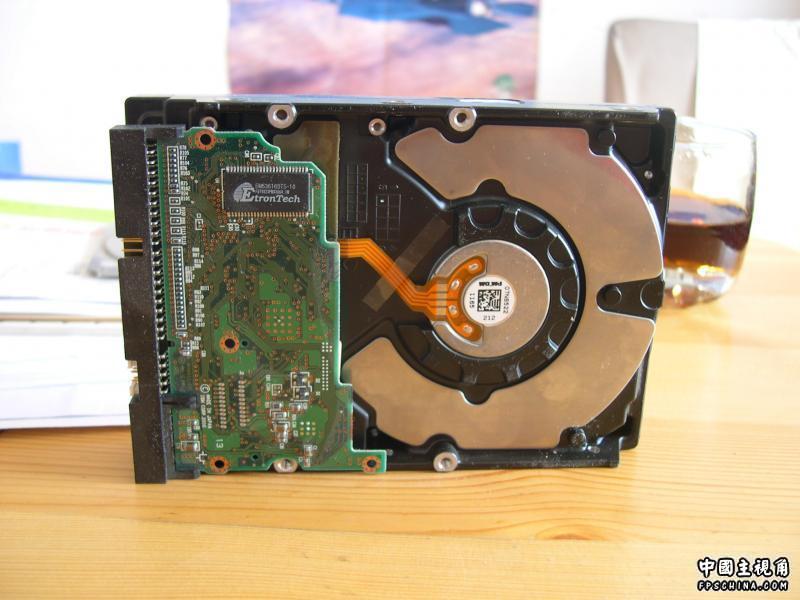
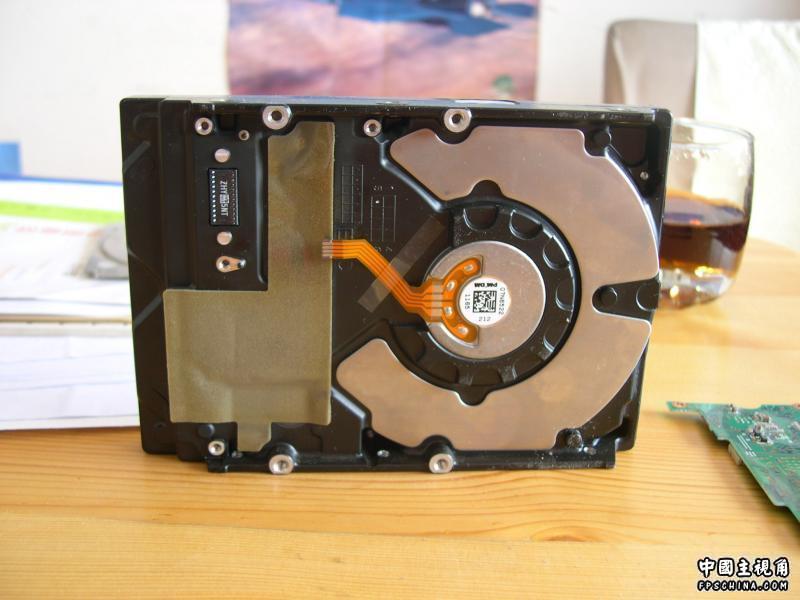
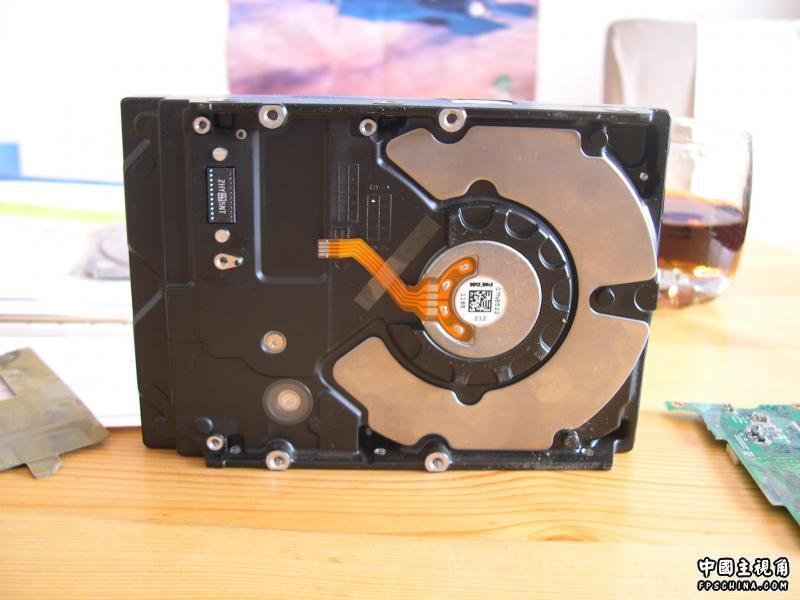
硬盘的内部构造

(0 评审)

闲来无事

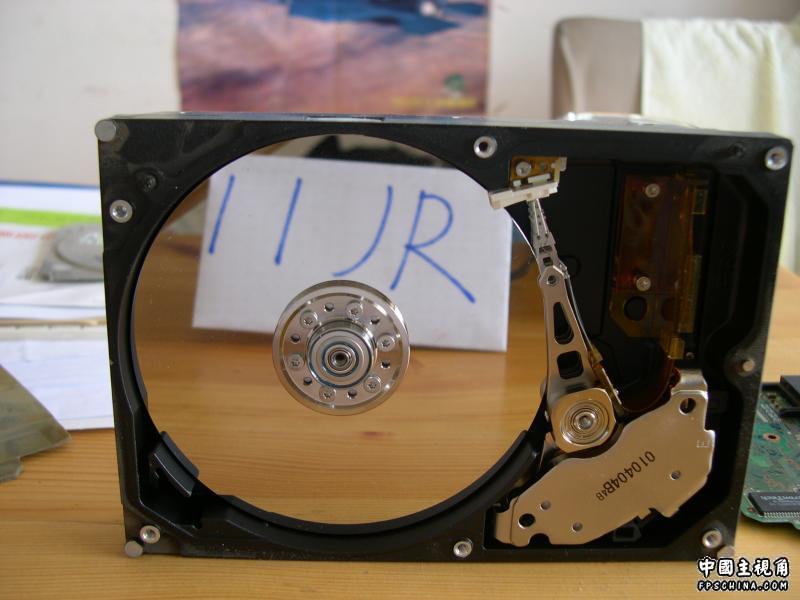
把一个没用的硬盘拆了

其实早就知道里面什么样子

就是想拍下来

结果就拆了

拆着拆着才想起来

照相机被Lp拿走了……

Lp实习在北京……

我一看

算了,拆家伙吧

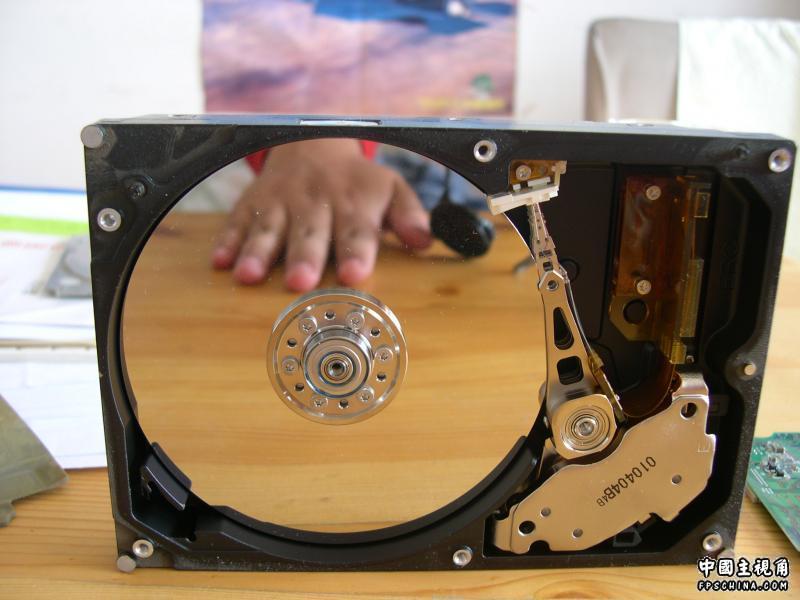
硬盘去了盖后就是这个样子滴

老盘都是4层

不知道这个为啥是3层的……

通电后硬盘高速旋转

磁头读取数据

很简单~~~

8过俺是做不出来鸟

更小的梅花螺丝刀还没找到

N年没有用过了

临时还不能把盘片拆下来

找到了之后拆下来再发吧

另附一张拿友人找乐的图

俺的创意

在俺Lp帮助下拍摄鸟

0 评论

Recommended Comments

没有要显示的评论。

访客
添加评论...

Account

Navigation

搜索

搜索

设置浏览器推送通知

Chrome (Android)
  1. Tap the lock icon next to the address bar.
  2. Tap Permissions → Notifications.
  3. Adjust your preference.
Chrome (Desktop)
  1. Click the padlock icon in the address bar.
  2. Select Site settings.
  3. Find Notifications and adjust your preference.