




Skip to content
View in the app

A better way to browse. Learn more.

主视角中国

A full-screen app on your home screen with push notifications, badges and more.

To install this app on iOS and iPadOS
  1. Tap the Share icon in Safari
  2. Scroll the menu and tap Add to Home Screen.
  3. Tap Add in the top-right corner.
To install this app on Android
  1. Tap the 3-dot menu (⋮) in the top-right corner of the browser.
  2. Tap Add to Home screen or Install app.
  3. Confirm by tapping Install.

解剖图—硬盘内部构造

(0 评审)

接上次没拆下来时候

http://www.fpschina.com/blog/911pm/index.php?showentry=557

这回找到了小号的梅花

终于可以把盘片拆下来了

而且还没有拿11找乐……
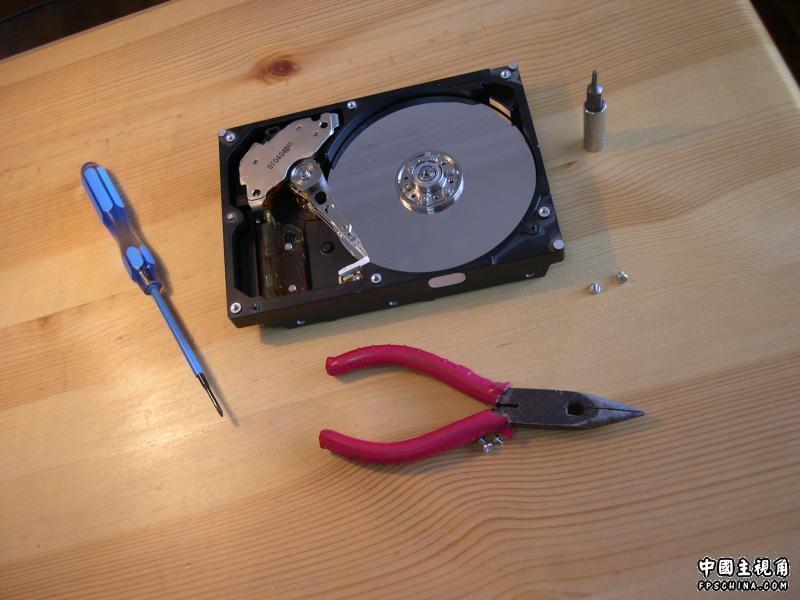
之前所准备的工具

就3样,钳子,改锥,梅花头(此项必备)
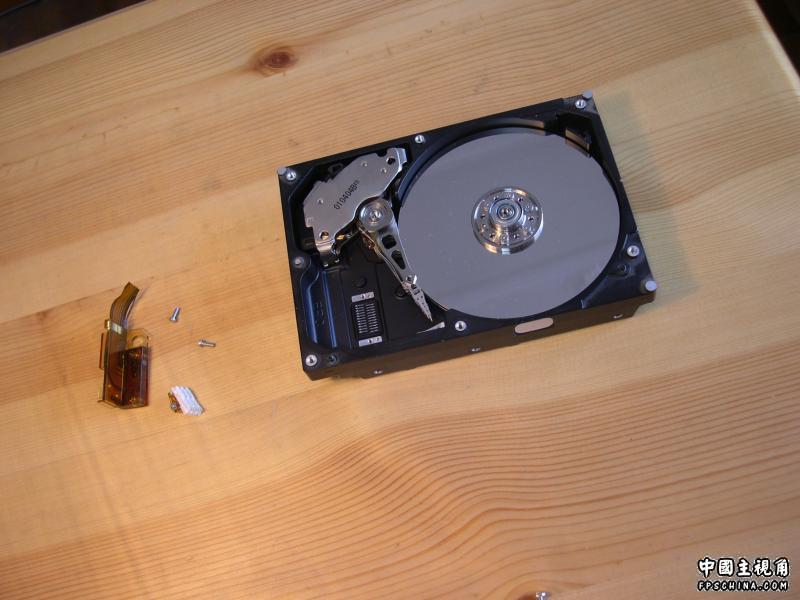
先把塑料的导线查下来

具体名称我也不知道
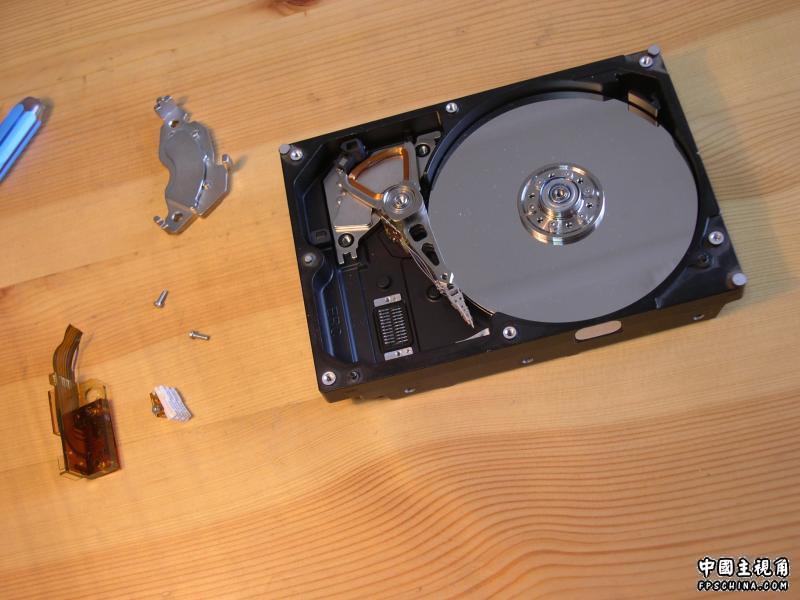
磁头定子的上盖

一片超强力的磁铁

相机当时都有反映了
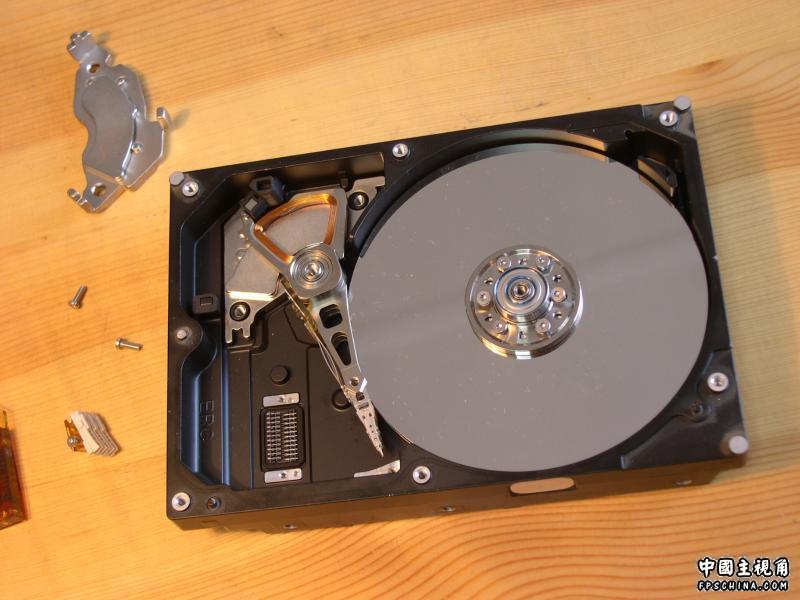
松动盘片轴承上的螺丝

废死劲了

不过只要拧动第一下

就可以拿手解决
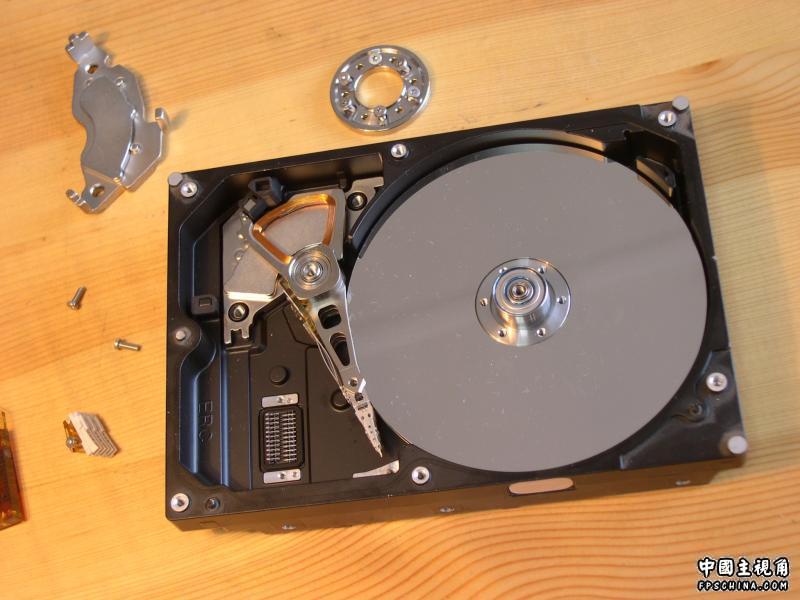
拆下磁头

磁头跟轴承之间有个小螺丝

这里省略了
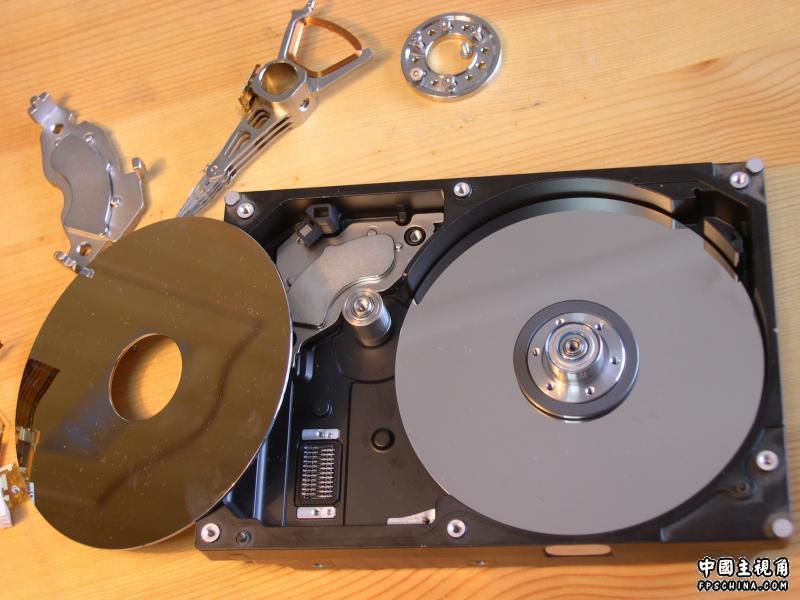
拿下第一个盘片

没想到氧化的这么快

前两天还是银色的

现在都发黄了
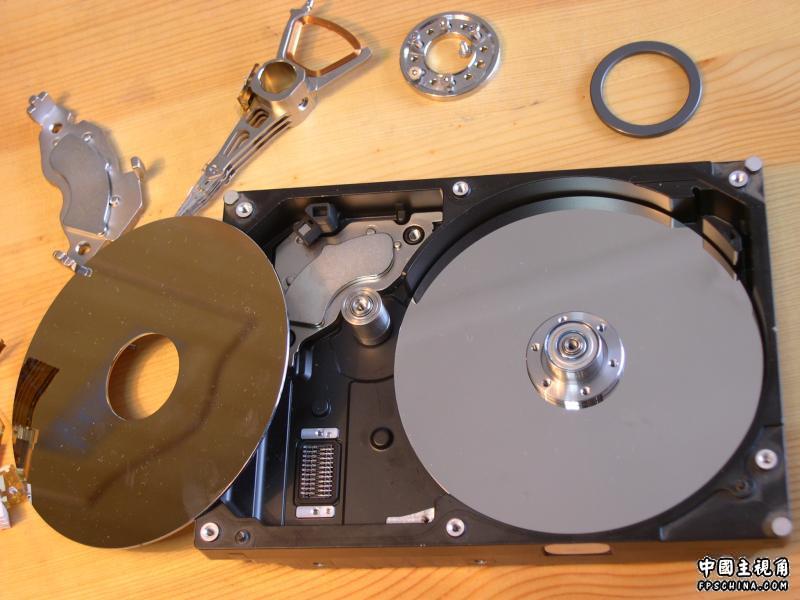
取下两片盘之前的垫片儿
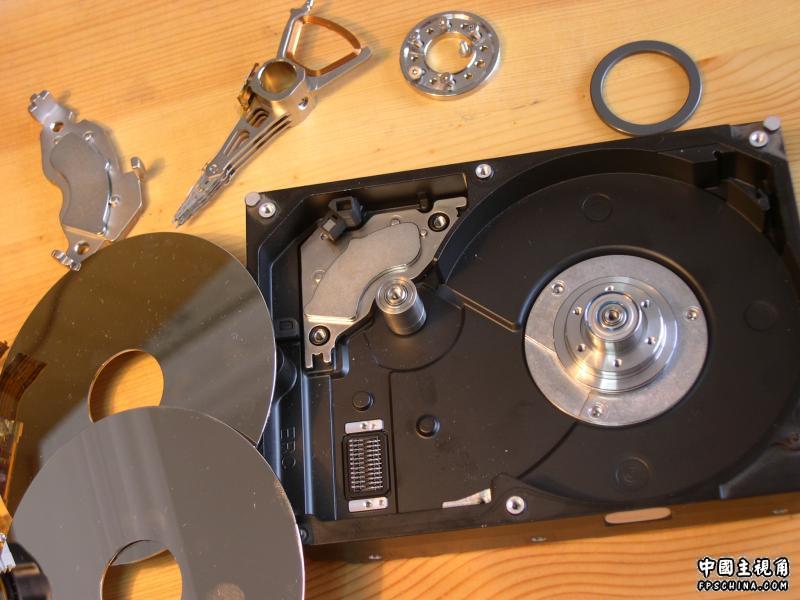
用手取下第二片盘

露出来电机
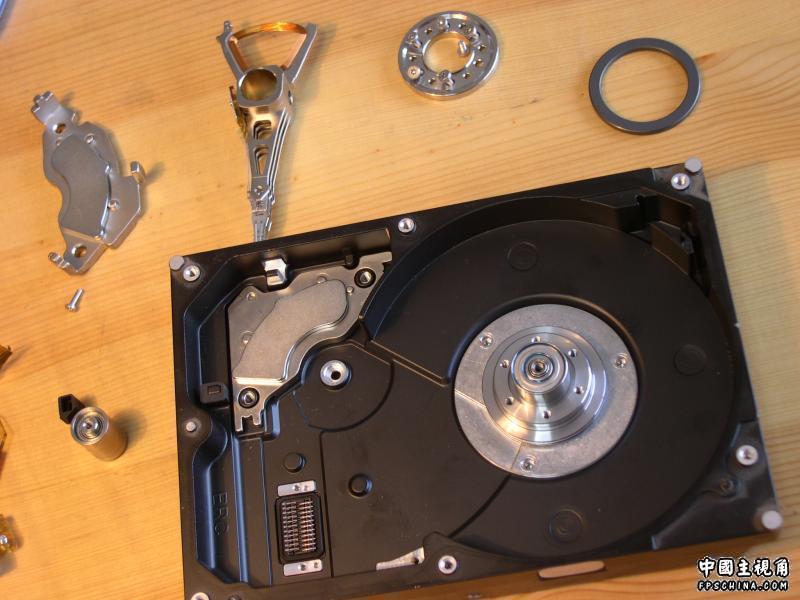
取下磁头的轴承

螺丝在反面

此处省略
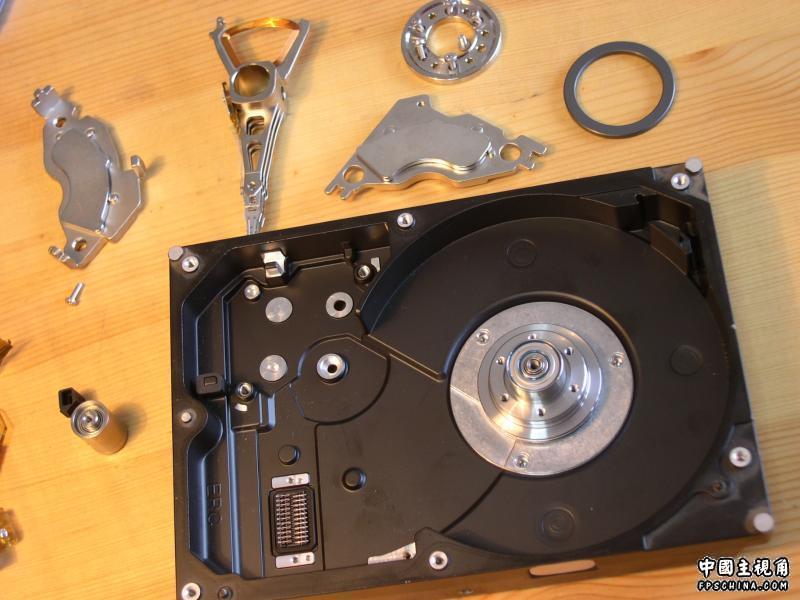
穆有盘的硬盘大概就是酱紫滴
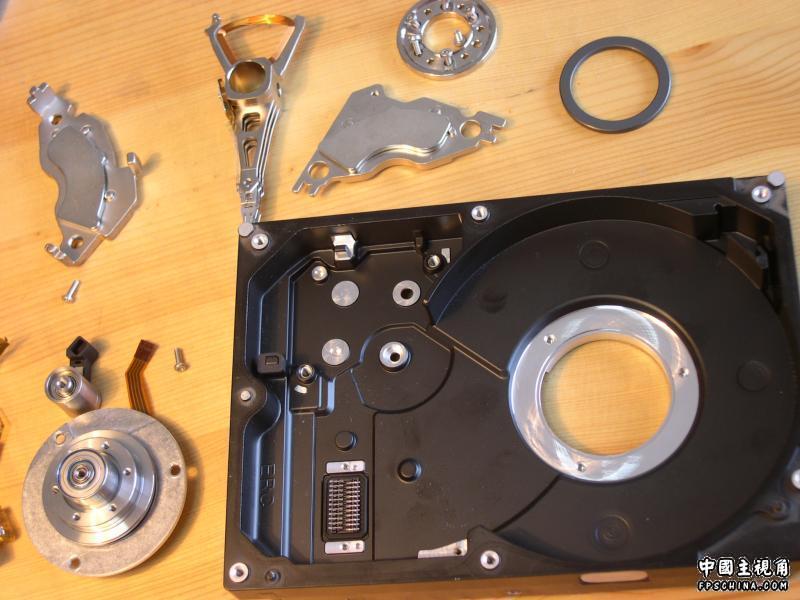
电机拔下来鸟~~

应该是12V的4项电机
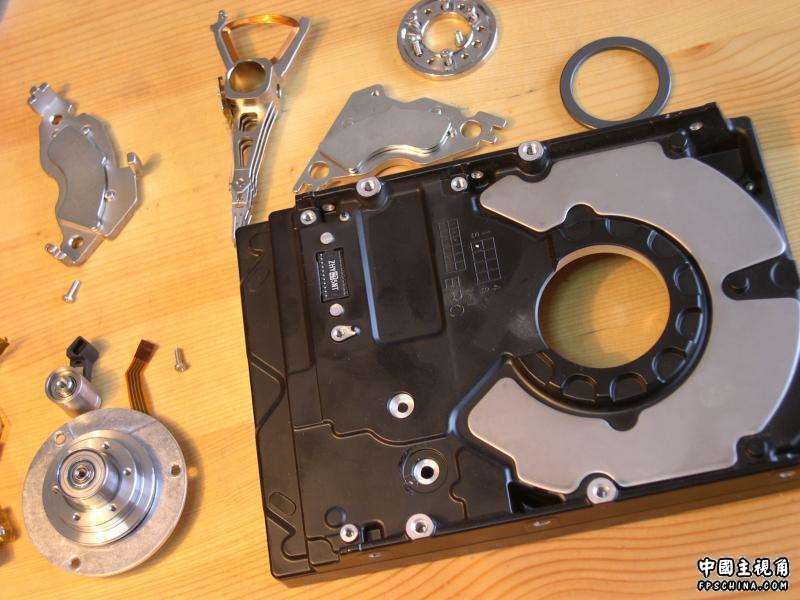
背面

大洞就是电机所在
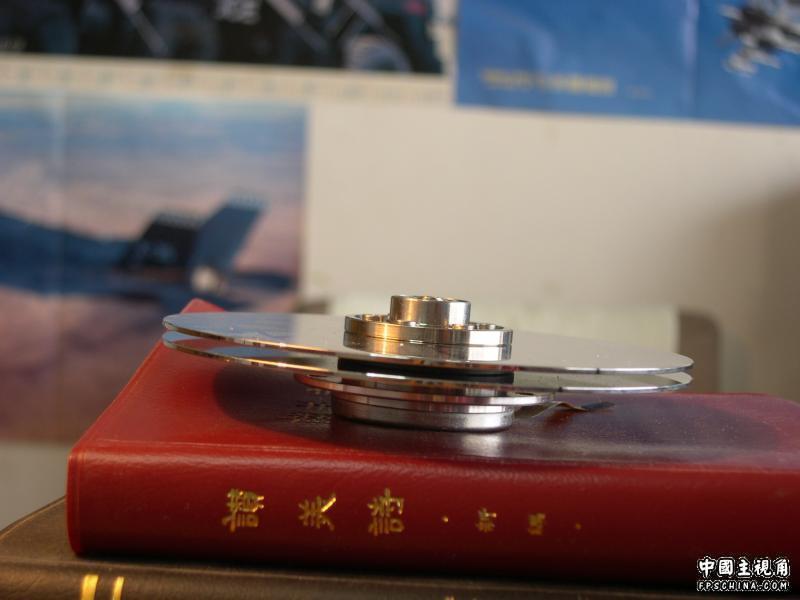
盘片在电机上

底下垫的是赞美诗

再下面是圣经……

临时找不到合适的
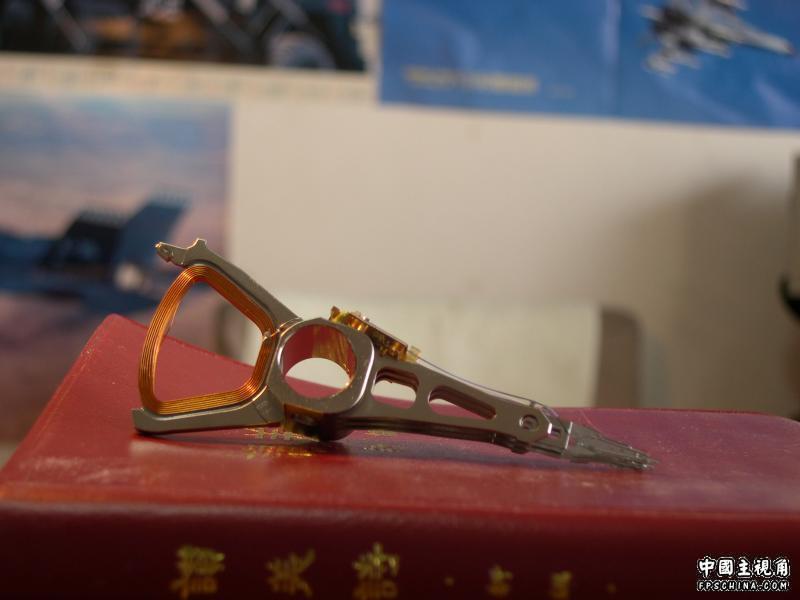
磁头,读取盘片表面数据的磁头

硬盘高速转动的时候

会在盘片表面形成空气层

磁头不会直接接触到盘片表面
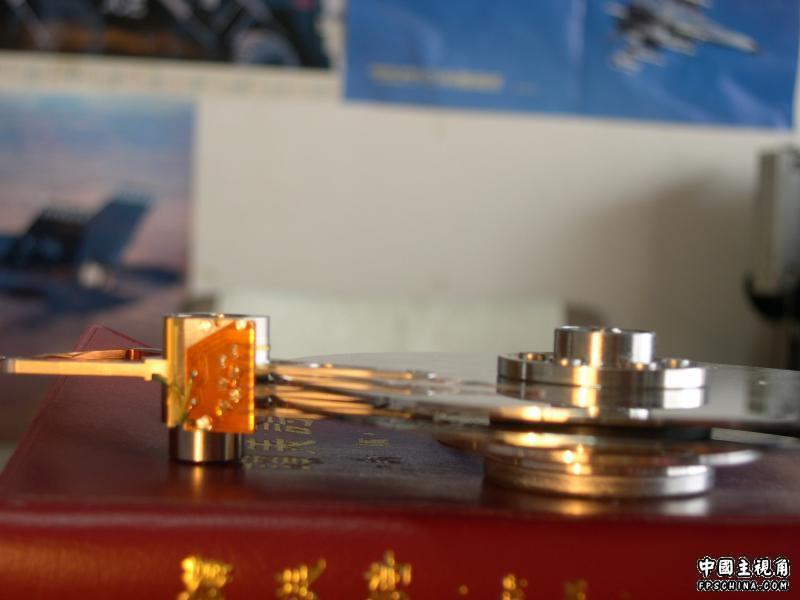
读盘时候的状态

知识有限

有不对的请指正

图片版权本人所有

欲转载请联系本人

E-mail:911pm@163.com

QQ:312789809

2 评论

Recommended Comments

访客
添加评论...

Account

Navigation

搜索

搜索

设置浏览器推送通知

Chrome (Android)
  1. Tap the lock icon next to the address bar.
  2. Tap Permissions → Notifications.
  3. Adjust your preference.
Chrome (Desktop)
  1. Click the padlock icon in the address bar.
  2. Select Site settings.
  3. Find Notifications and adjust your preference.