Skip to content
View in the app

A better way to browse. Learn more.

主视角中国

A full-screen app on your home screen with push notifications, badges and more.

To install this app on iOS and iPadOS
  1. Tap the Share icon in Safari
  2. Scroll the menu and tap Add to Home Screen.
  3. Tap Add in the top-right corner.
To install this app on Android
  1. Tap the 3-dot menu (⋮) in the top-right corner of the browser.
  2. Tap Add to Home screen or Install app.
  3. Confirm by tapping Install.

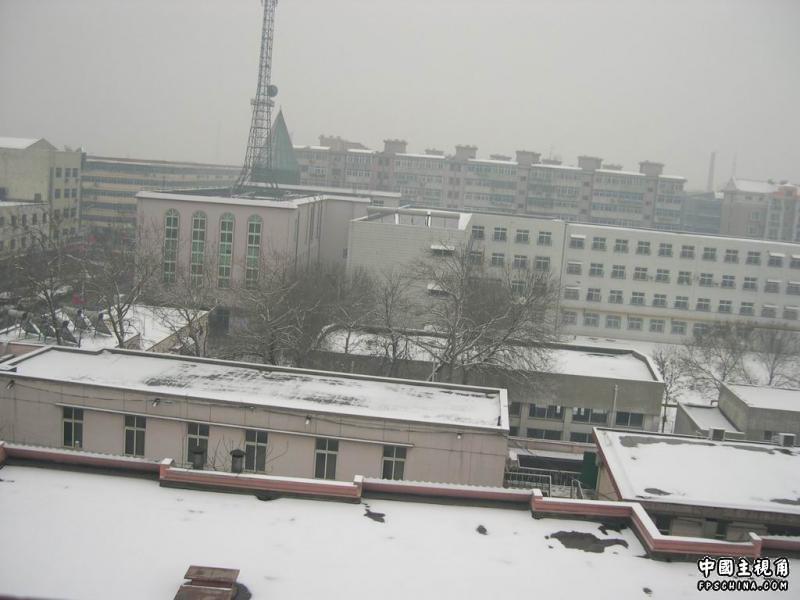
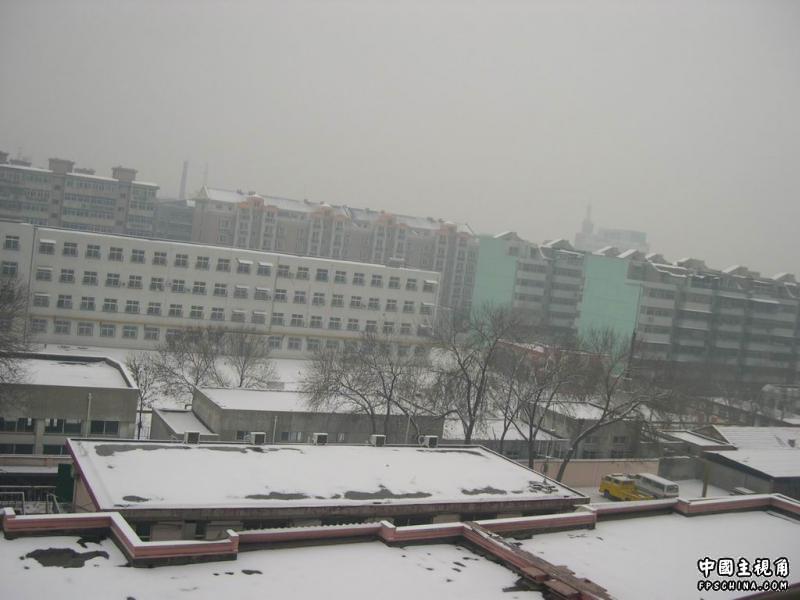
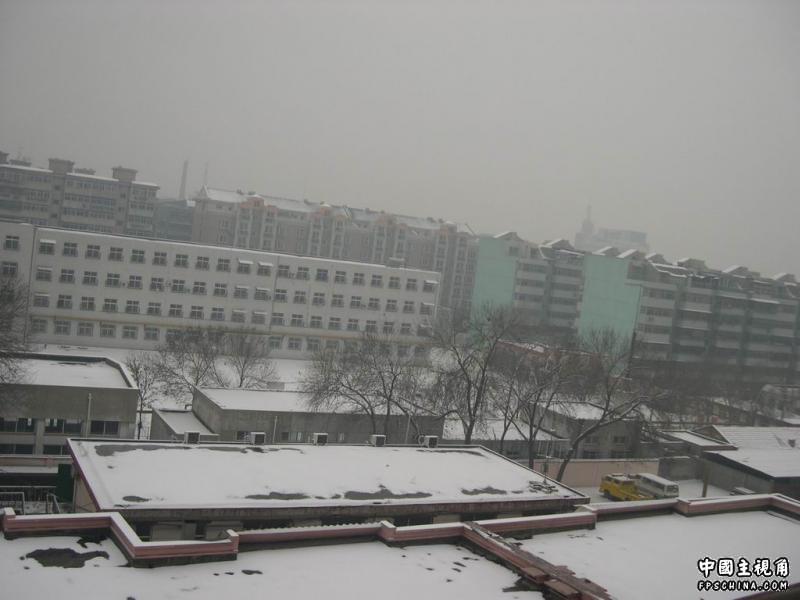
今年第一次下雪的雪景

(0 评审)

目前还没装防火墙

所以发了就下线

电脑这两天把我搞郁闷了……

2000年的P3主板配05年的5600显卡

无限死机ING……

虽然两两照片相同,但是我用的是不同的模式拍的

0 评论

Recommended Comments

没有要显示的评论。

访客
添加评论...

Account

Navigation

搜索

搜索

设置浏览器推送通知

Chrome (Android)
  1. Tap the lock icon next to the address bar.
  2. Tap Permissions → Notifications.
  3. Adjust your preference.
Chrome (Desktop)
  1. Click the padlock icon in the address bar.
  2. Select Site settings.
  3. Find Notifications and adjust your preference.