Skip to content
View in the app

A better way to browse. Learn more.

主视角中国

A full-screen app on your home screen with push notifications, badges and more.

To install this app on iOS and iPadOS
  1. Tap the Share icon in Safari
  2. Scroll the menu and tap Add to Home Screen.
  3. Tap Add in the top-right corner.
To install this app on Android
  1. Tap the 3-dot menu (⋮) in the top-right corner of the browser.
  2. Tap Add to Home screen or Install app.
  3. Confirm by tapping Install.

摘下面具看看

(0 评审)

这些日子沉迷于HGL

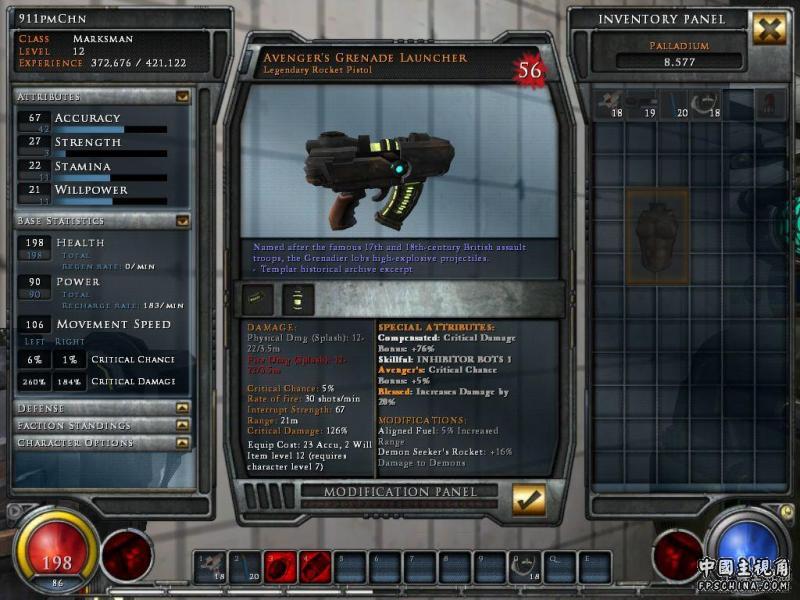
昨天晚上重新组装了一下枪械

英文差

玩英文网游能力更差

大部分都看不懂

但是数值还是能看得懂的

打出来的插槽最多的一把电枪

话说回来

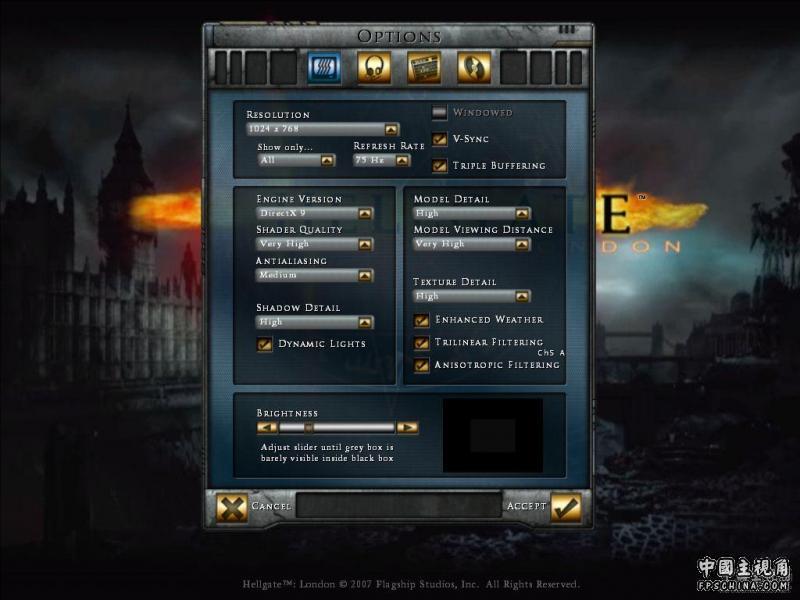
HGL的配置要求不是很高

就是网络问题

昨天晚上网络能到3格了

竟然还有Xfire。。。。。。。。。

0 评论

Recommended Comments

没有要显示的评论。

访客
添加评论...

Account

Navigation

搜索

搜索

设置浏览器推送通知

Chrome(安卓)
  1. 点击地址栏旁边的锁形图标。
  2. 点击 权限 → 通知
  3. 根据需要调整通知设置。
Chrome(桌面)
  1. 点击地址栏中的锁形图标。
  2. 选择 网站设置
  3. 找到 通知,然后根据需要调整设置。