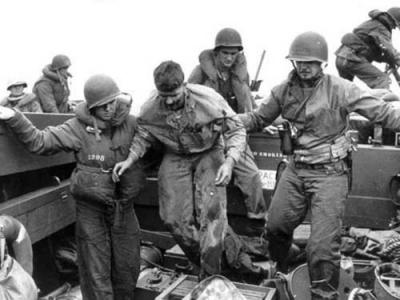
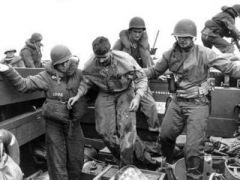
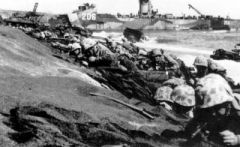
图为把负伤的陆战队士兵送回舰上,美军原打算5天拿下硫黄岛,却打了整整一个月时间的硬仗!.jpg 分享 https://www.fpschina.com/gallery/image/19073-%E5%9B%BE%E4%B8%BA%E6%8A%8A%E8%B4%9F%E4%BC%A4%E7%9A%84%E9%99%86%E6%88%98%E9%98%9F%E5%A3%AB%E5%85%B5%E9%80%81%E5%9B%9E%E8%88%B0%E4%B8%8A%EF%BC%8C%E7%BE%8E%E5%86%9B%E5%8E%9F%E6%89%93%E7%AE%975%E5%A4%A9%E6%8B%BF%E4%B8%8B%E7%A1%AB%E9%BB%84%E5%B2%9B%EF%BC%8C%E5%8D%B4%E6%89%93%E4%BA%86%E6%95%B4%E6%95%B4%E4%B8%80%E4%B8%AA%E6%9C%88%E6%97%B6%E9%97%B4%E7%9A%84%E7%A1%AC%E4%BB%97%EF%BC%81jpg/ Share on LinkedIn Share on X Share on Facebook {lang="reddit_text" Share via email Share on Pinterest More sharing options... 关注者






Recommended Comments