Skip to content
View in the app

A better way to browse. Learn more.

主视角中国

A full-screen app on your home screen with push notifications, badges and more.

To install this app on iOS and iPadOS
  1. Tap the Share icon in Safari
  2. Scroll the menu and tap Add to Home Screen.
  3. Tap Add in the top-right corner.
To install this app on Android
  1. Tap the 3-dot menu (⋮) in the top-right corner of the browser.
  2. Tap Add to Home screen or Install app.
  3. Confirm by tapping Install.
  • 文章

    4
  • 评论

    0
  • 查看

    331111

关于本博客

他不是低能,他只是善良。

Entries in this blog

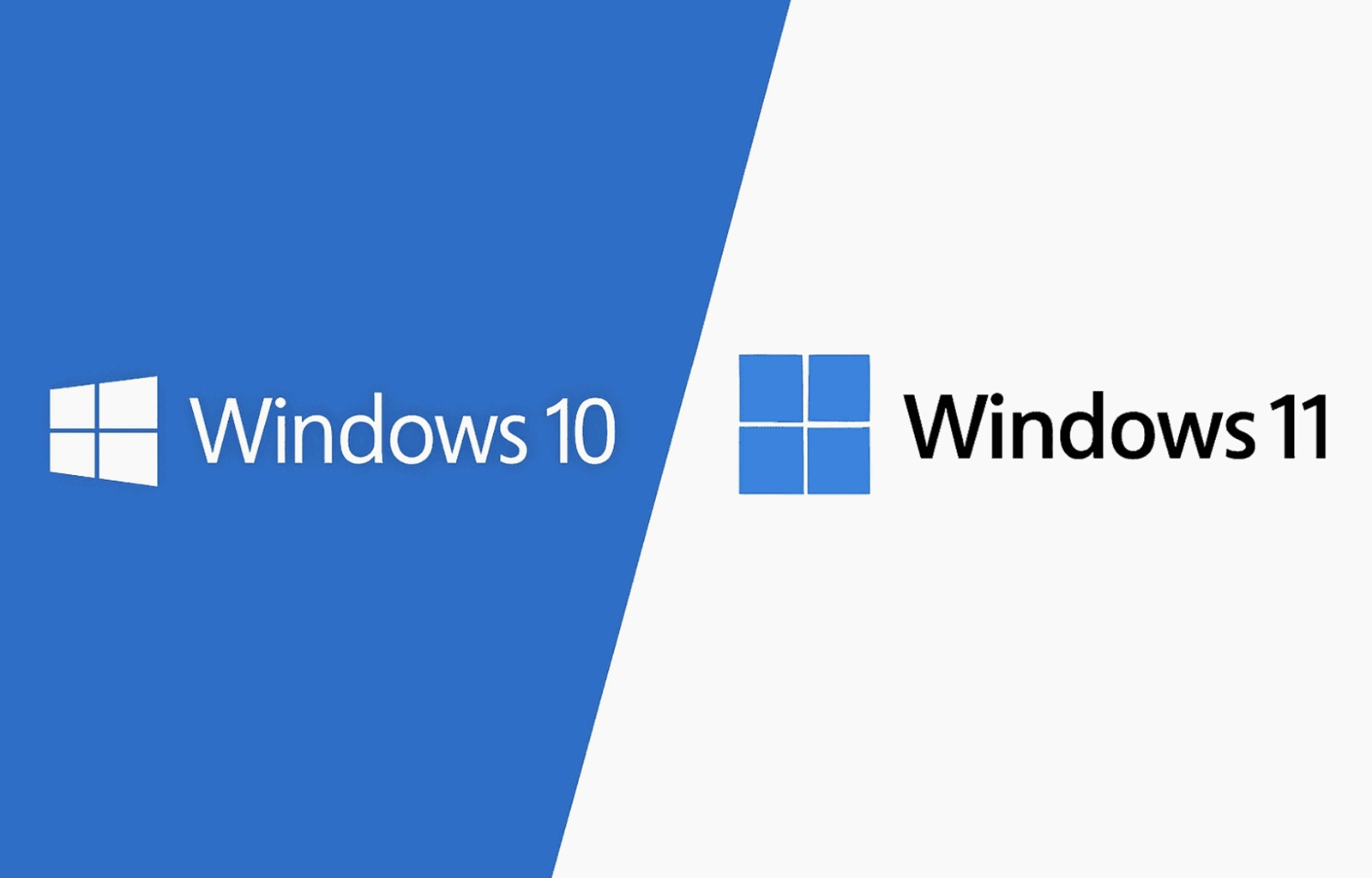
Windows 10 / 11 系统分区在划分时会留出一部分给恢复分区,因此会出现容量变小。以下是针对大系统版本整理的分区计算公式。 Windows 10 22H2 +8MB +608MB (Recovery) 100GB ~ 1024 * 100 + 8 + 608 = 103016 MB 150GB ~ 1024 * 150 + 8 + 608 = 154216 MB 200GB ~ 1024 * 200 + 8 + 608 = 205416 MB Windows 11 24H2 +8MB +756MB (Recovery) 100GB ~ 1024 * 100 + 8 + 756 = 103164 MB 150GB ~ 1024 * 150 + 8 + 756 = 154364 MB 200GB ~ 1024 * 200 + 8 + 756 = 205564 MB

Account

Navigation

搜索

搜索

设置浏览器推送通知

Chrome (Android)
  1. Tap the lock icon next to the address bar.
  2. Tap Permissions → Notifications.
  3. Adjust your preference.
Chrome (Desktop)
  1. Click the padlock icon in the address bar.
  2. Select Site settings.
  3. Find Notifications and adjust your preference.